Case Study
chronomanager
Visual Task Management Application
Contributors

Abdelkader Bouzomita
Frontend Developer
The story
Overview
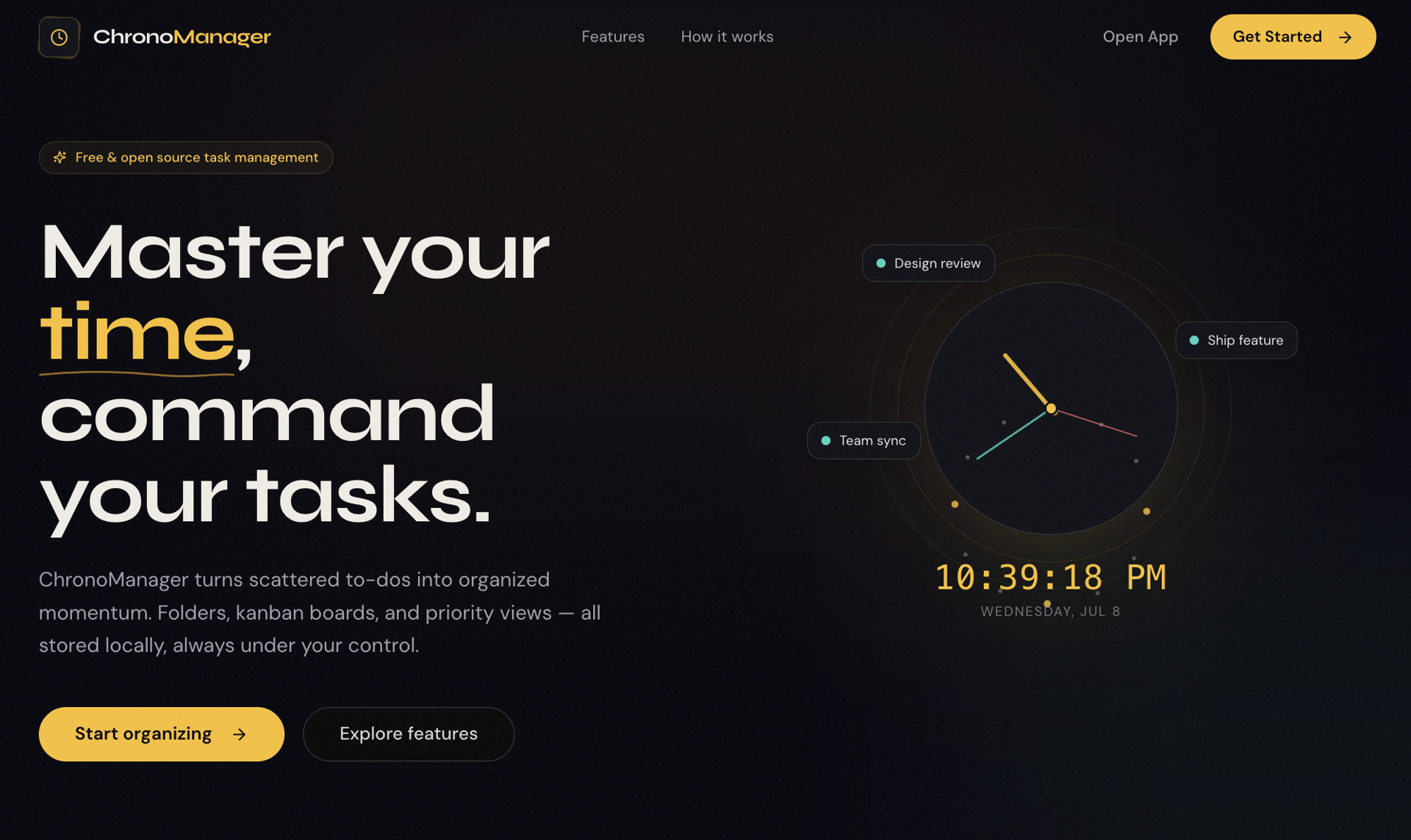
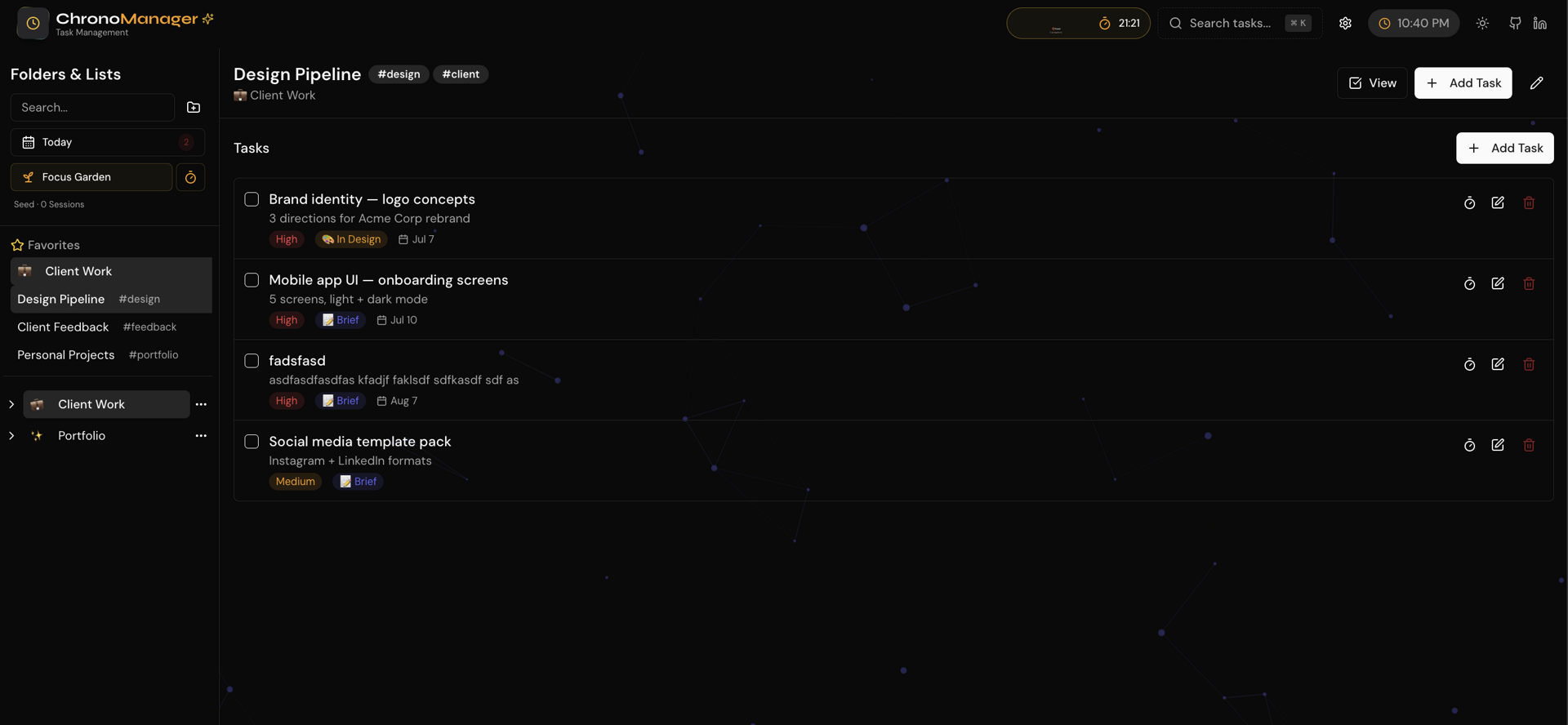
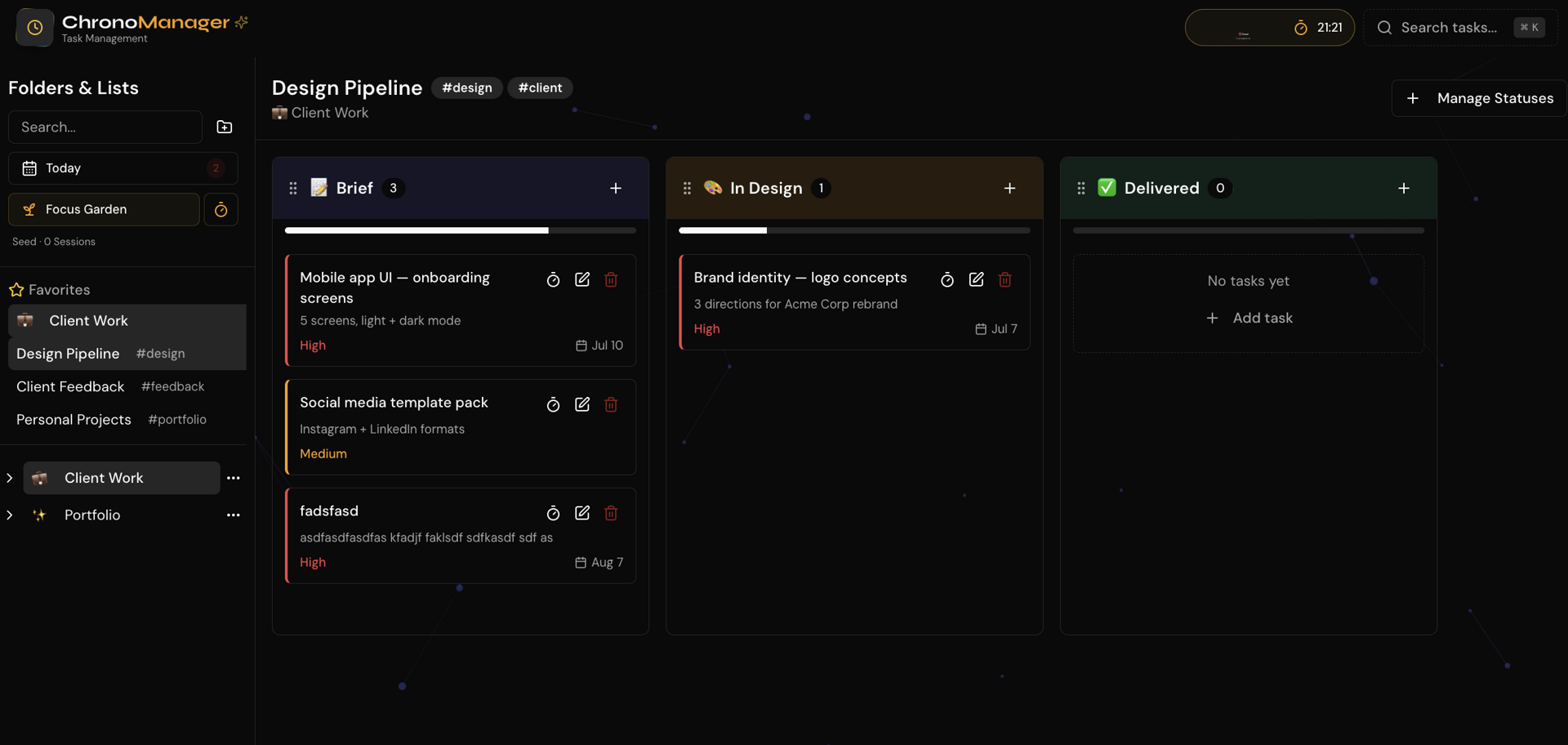
ChronoManager is a browser-based productivity workspace that unifies task management and deep focus in one place. Organize work into folders and lists, switch fluidly between Kanban, Priority, and Checklist views, and stay in flow with a built-in Pomodoro timer and plant-growth gamification, all running locally with no account required.
The Challenge
Most task managers lock users into a single view and treat focus as an afterthought. Planning, executing, and actually concentrating live in separate tools, forcing constant context-switching and leaving productivity fragmented across apps.
Our Solution
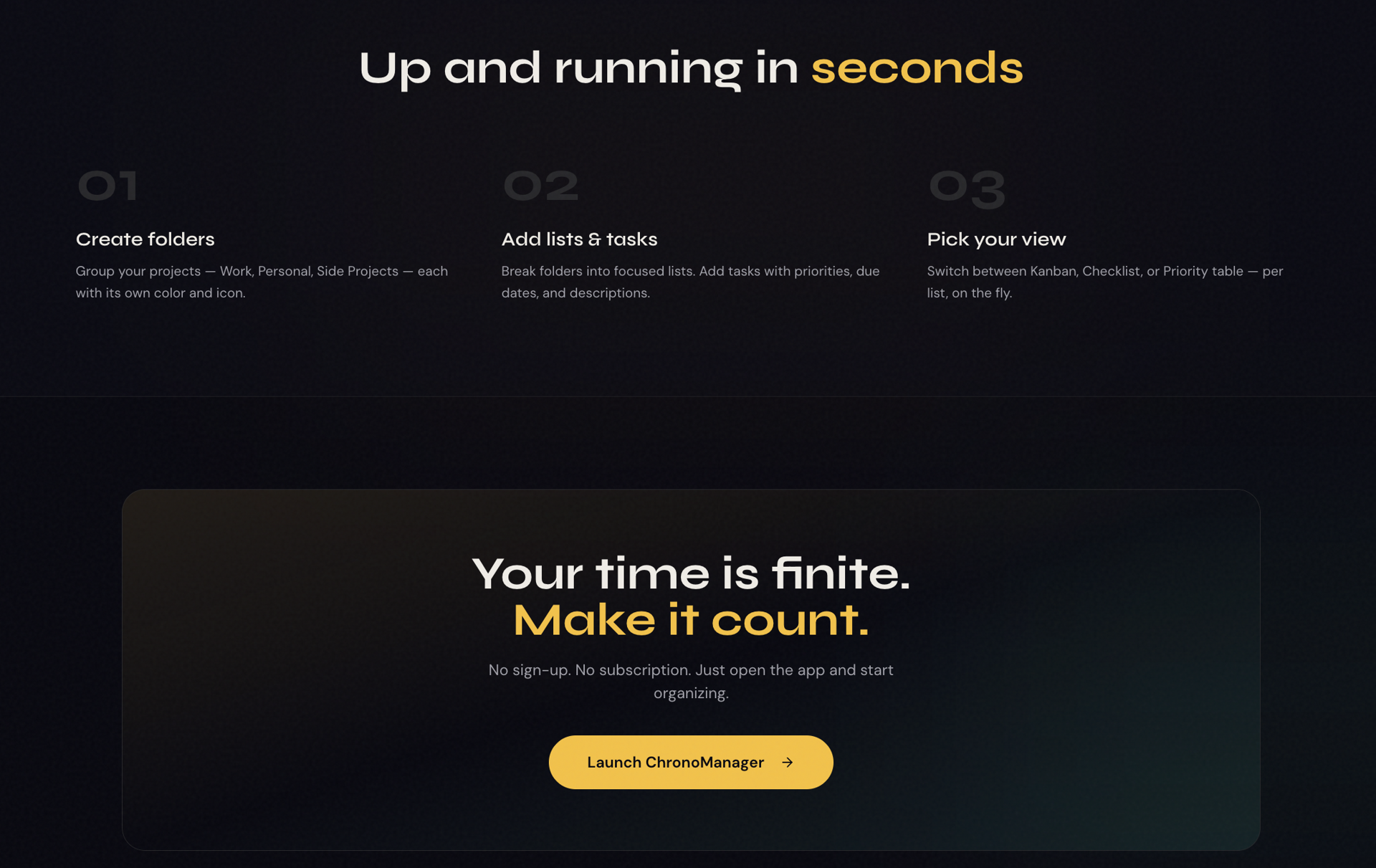
I built a flexible, self-contained productivity app that adapts to how people work. Three interchangeable views (Kanban, Priority, Checklist) with drag-and-drop and a folder hierarchy cover everything from sprint planning to daily execution. Role-based templates like Developer, Marketer, Student, and Designer get users productive in seconds, while an integrated Pomodoro timer and plant gamification turn focus sessions into visible progress. Everything persists locally with export/import backups and full dark-mode support.
The Results
Users stay organized and focused without juggling multiple tools. Views adapt to each stage of the workflow, ready-made templates remove setup friction, and the focus timer keeps momentum, making ChronoManager a single home for both planning work and getting it done.
Technologies
Gallery